
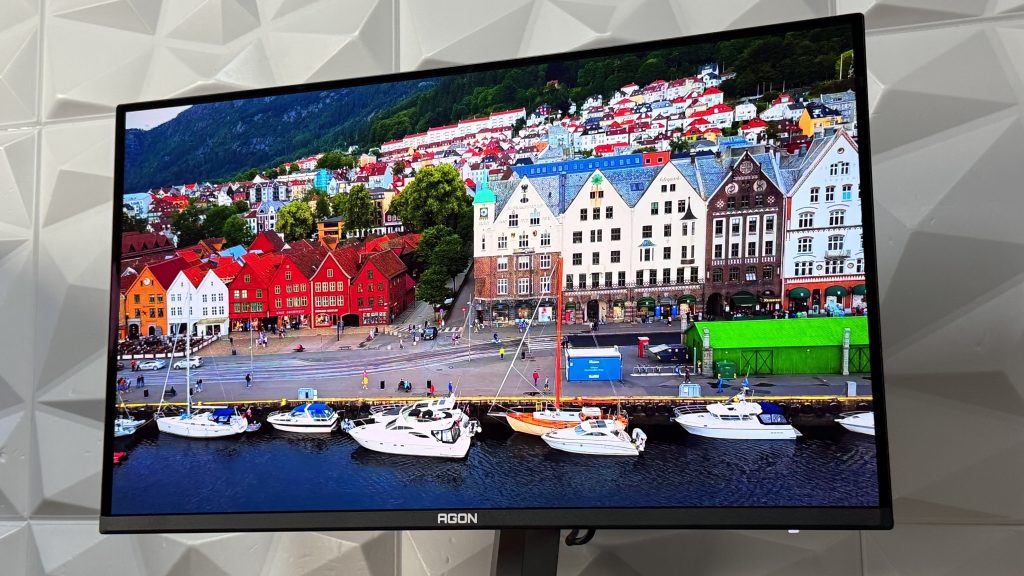
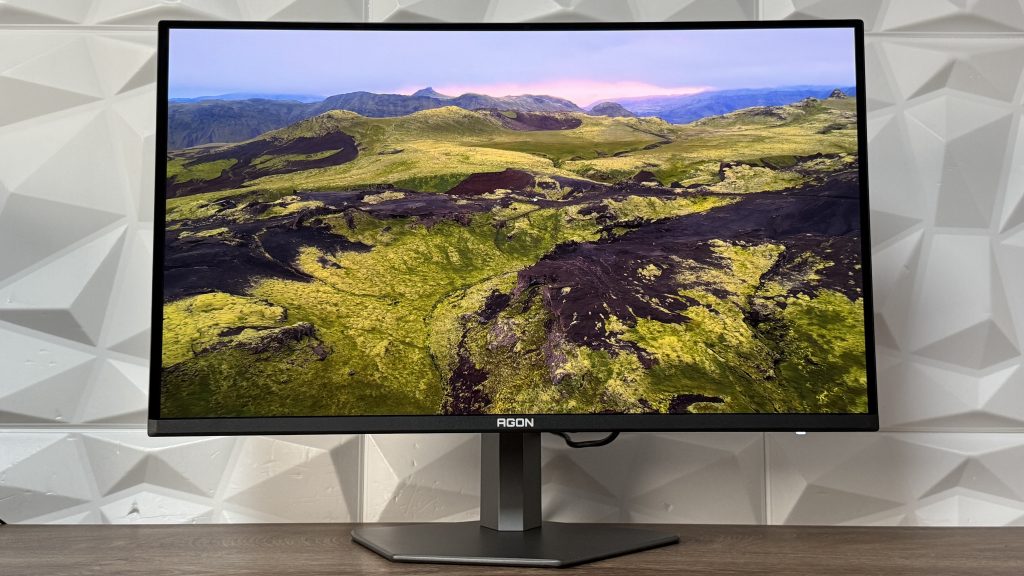
Remembering the visit to AOC stand at GamesCom this year, there was a possibility to check specifically this monitor firsthand and get some insights regarding the company’s goal regarding their new releases, which also includes this one. Built around a 31.5″ screen that has a interesting QD-OLED display and pairing it up with some amazing specifications, we were in for a treat.
This is the AOC AGON PRO AG326UD, where the first three words speak immediately about its characteristics. For the explanation, AOC AGON PRO models stand in the flagship models of AOC monitors and this one confirms that.
General specifications
We are having a flat screen size of 31.5″ or 80cm. Display hardness is 2H with anti-reflection panel treatment. UHD resolution of 3840×2160 with 16:9 aspect ratio. Panel type is QD-OLED which has refresh rate of 165Hz and the GtG response time is 0.03ms. Response time is 165Hz and static contrast ratio is 1.5M:1.
If we go deeper into specifications, we have horizontal and vertical viewing angle of 178°, 1.073B display colors and as for brightness:
- SDR: 250nits (APL 100%) nits
- HDR: 450 (APL 10%) nits
- HDR E/P: 1000 (APL 3%) nits


Video Features
These features might be more interesting for some, so we have:
- Sync technology (VRR): Adaptive Sync
- Sync range: 48-165
- Digital Signal Frequency Vertical: 48-165Hz
- Digital Signal Frequency Horizontal: 30k-370kHz
- HDR (High Dynamic Range): VESA Certified DisplayHDR™ True Black 400
- Blue Light Technology: Low Blue Light
- Multiview (PbP, PiP): PiP+PbP
- Colour space (sRGB) CIE 1976: 138%
- Colour space (DCI-P3) CIE 1976: 99%
- Colour space (Adobe RGB) CIE 1976: 97.5%
- Flicker-Free
- Delta E<2 (sRGB)
Design and functions
In this segment we go through the visual aspects of the AOC AGON PRO AG326UD, taking into consideration the build quality, design (front and back), ease of access to connection ports, G-Menu joystick and other quite necessary stuff that you need to know.
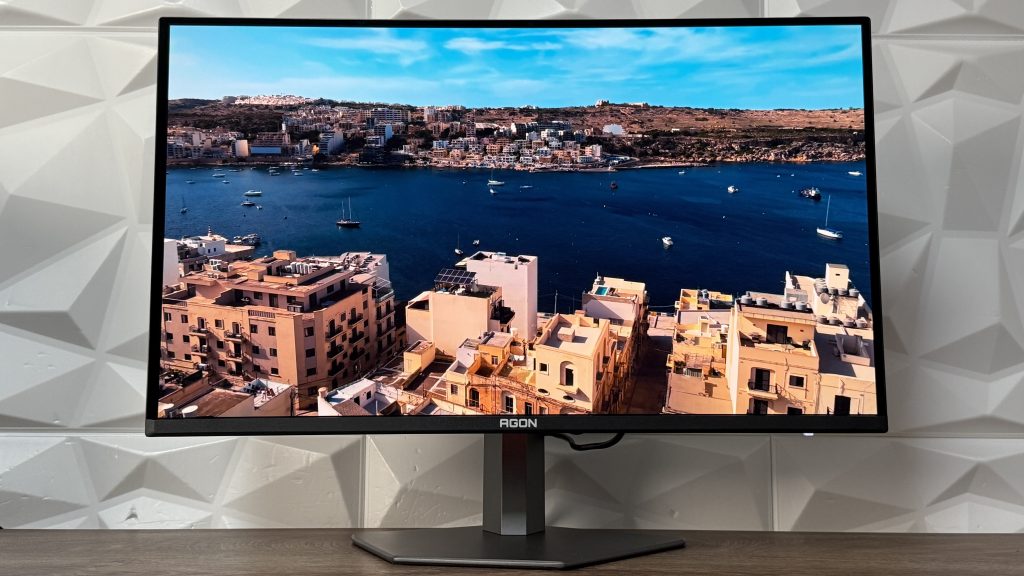
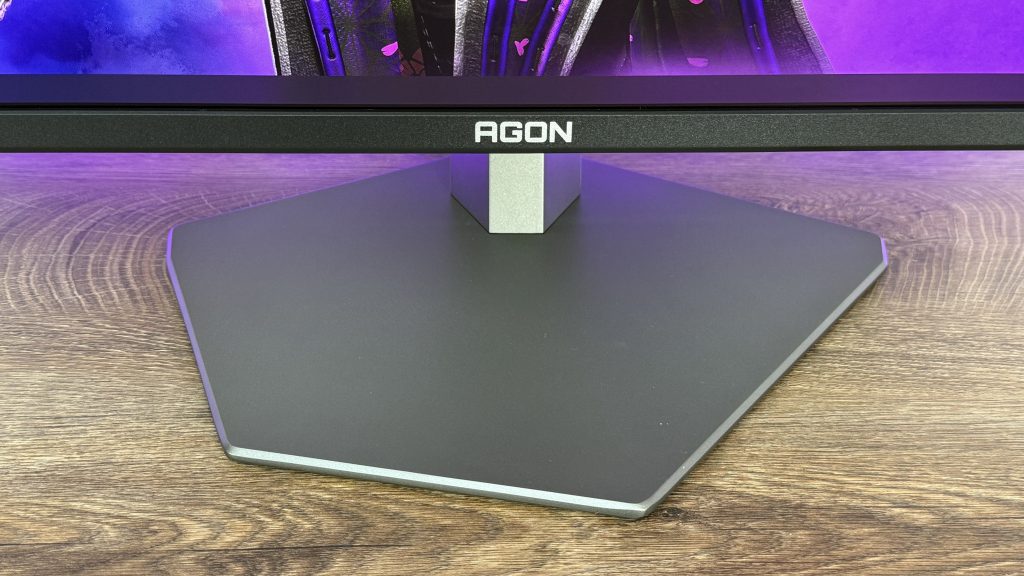
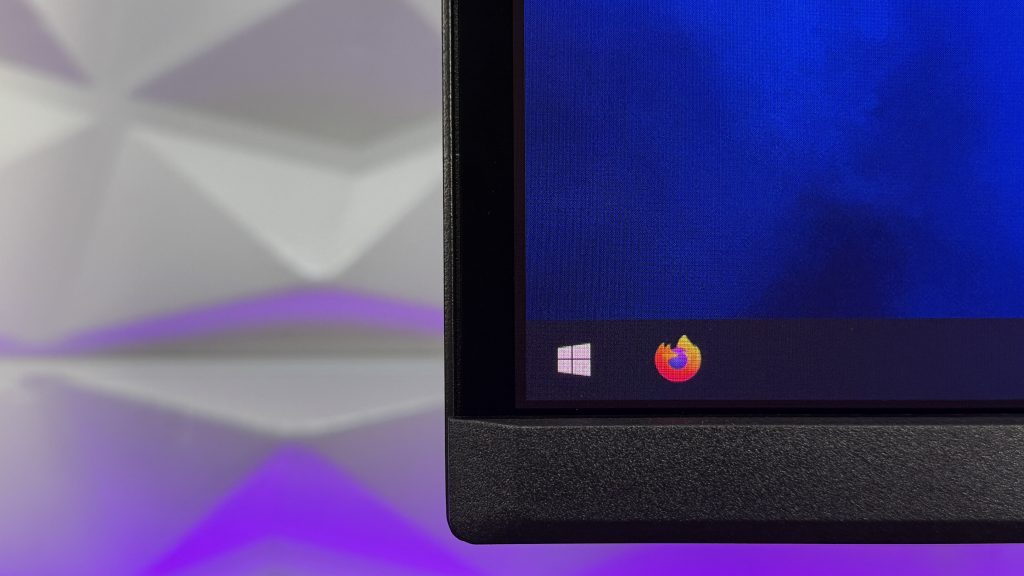
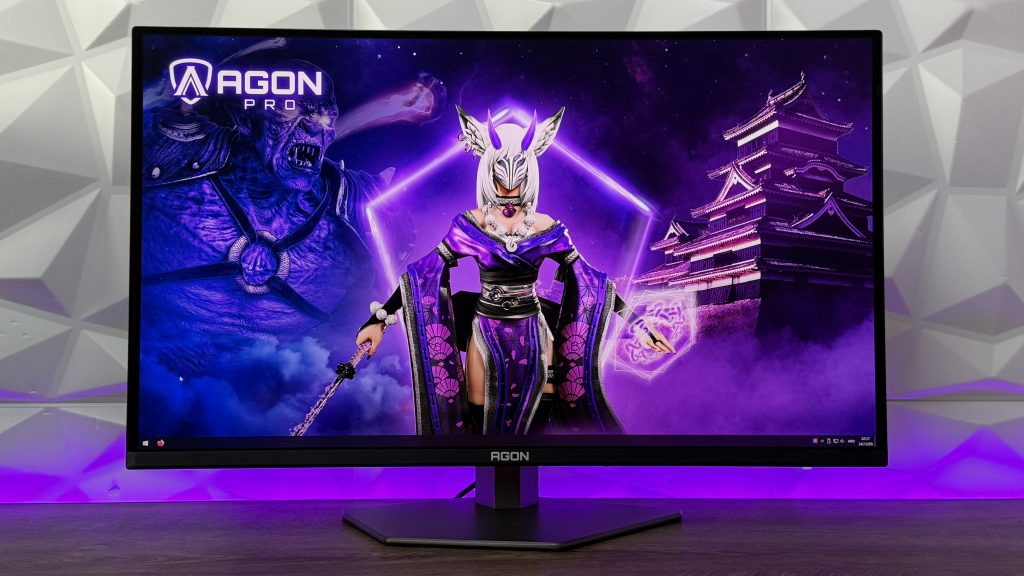
The front design is quite minimalistic, even though we have a bit oddly shaped bottom stand that resembles to the shape of the LED strip at the back, but keeps that minimalism in every segment. Then we have 3-sided frameless design where it has 5mm of distance between the edge of a monitor and the actual beginning of the screen. In other opinions, the true frameless design would be without these 5mm but this can’t be taken into consideration as negative or false advertising, because every other brand is literally doing the same.


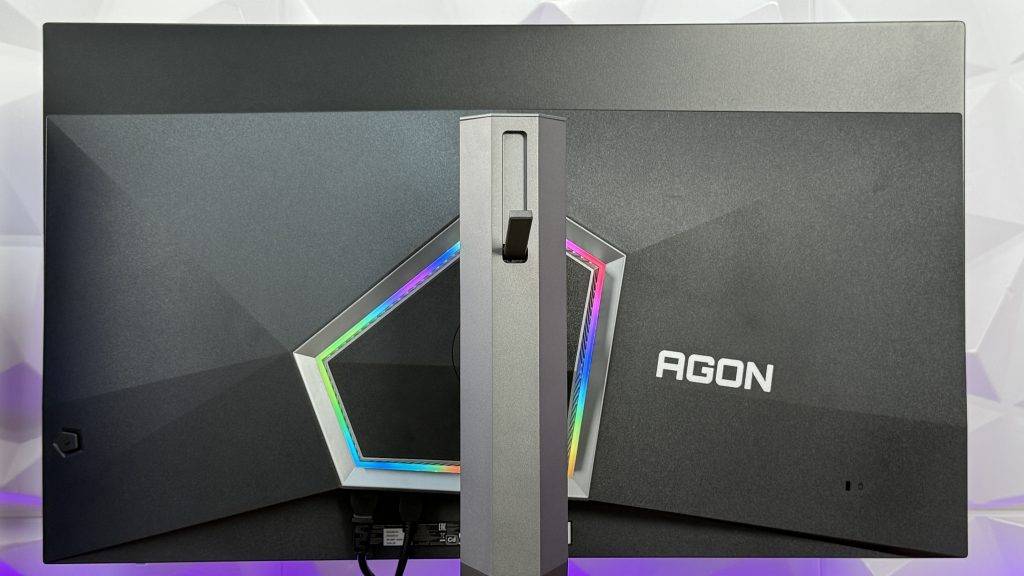
Checking out the back side, the first thing you will notice is the RGB LED strip around the main part of the monitor when we are talking about the connection to the stand. Now the LEDs aren’t bright enough to shine on the wall behind the monitor for that immersive experience. First of all, the lighting doesn’t follow what is happening on the screen, so the colors either go random RGB spectrum or you can go with additional modes like “breathing” or place a static color of your preference with the same modes as in RGB spectrum.

As mentioned earlier, this shape resembles to the bottom table stand, even though this shape has 5 sides, while the stand is hexagonel shaped. On the right side of the LED strip, we have a bit bigger AGON logo and even further there is a Kensington lock. The left side doesn’t have any logos or branding, but instead is clearly somewhat dedicated for the joystick with which you turn on or off the monitor but is also use to navigate through the G-Menu. The actual stand is multi-practical, giving us the possibility to access the headset stand if you desire to hold your gaming headset on a secured place in terms of not just placing them anywhere and saving a bit of space while doing so.
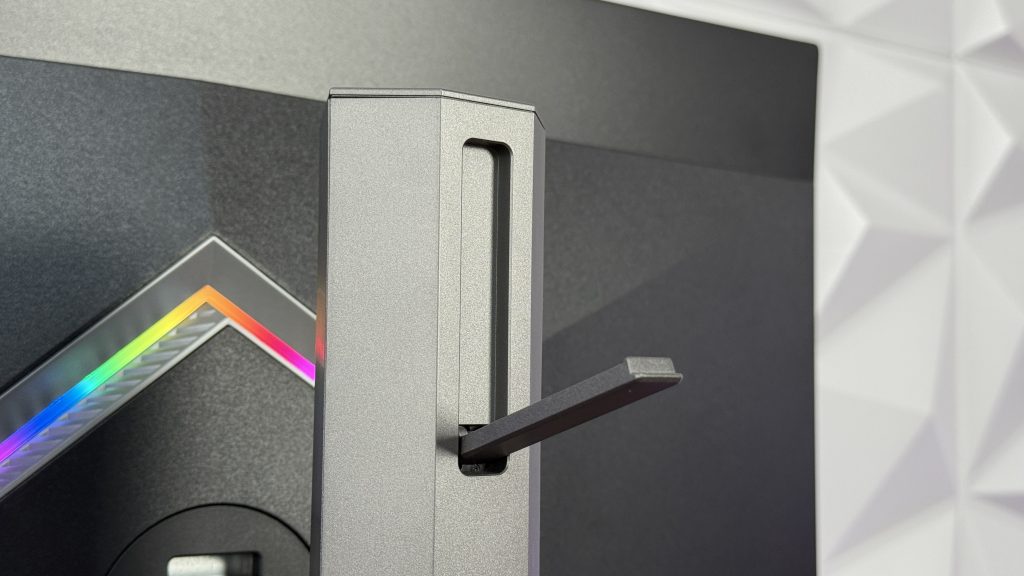
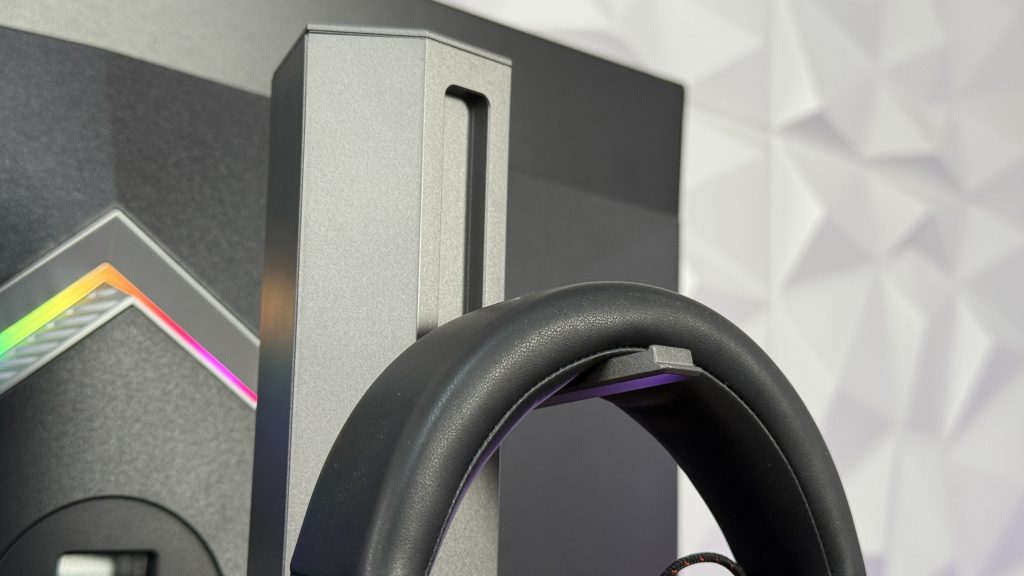
Beneath the headstand we have the connection from the monitor towards the stand which has these functionalities:
- Tilt: -5 / +25°
- Height adjustment: 150mm
- Swivel: -16 / +16°
- Pivot

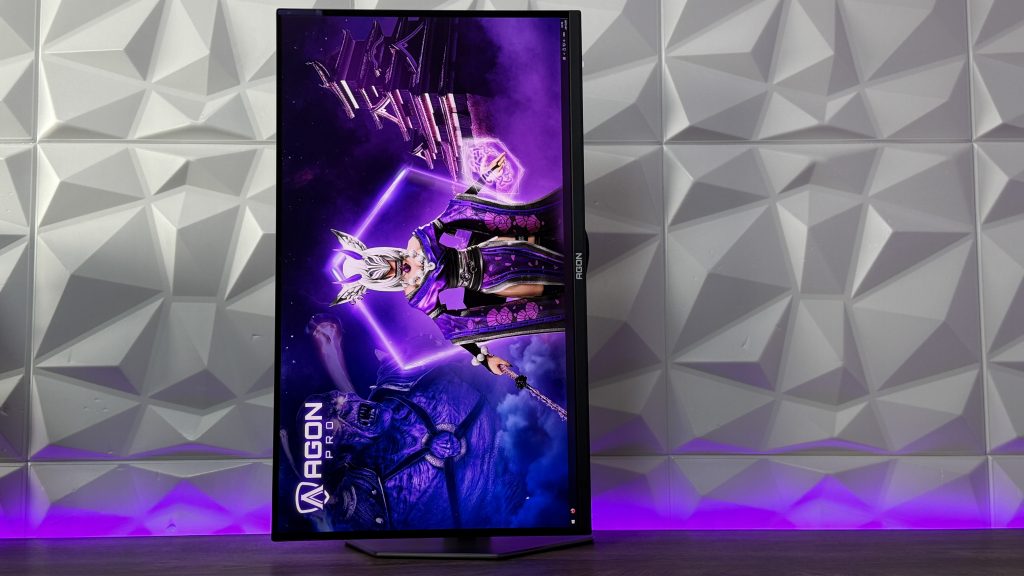
In general, the stand is removable and then you have the additional plate inside the accessory box which is used to mount the AG326UD on a VESA mount compatible stands with dimensions of 100×100.
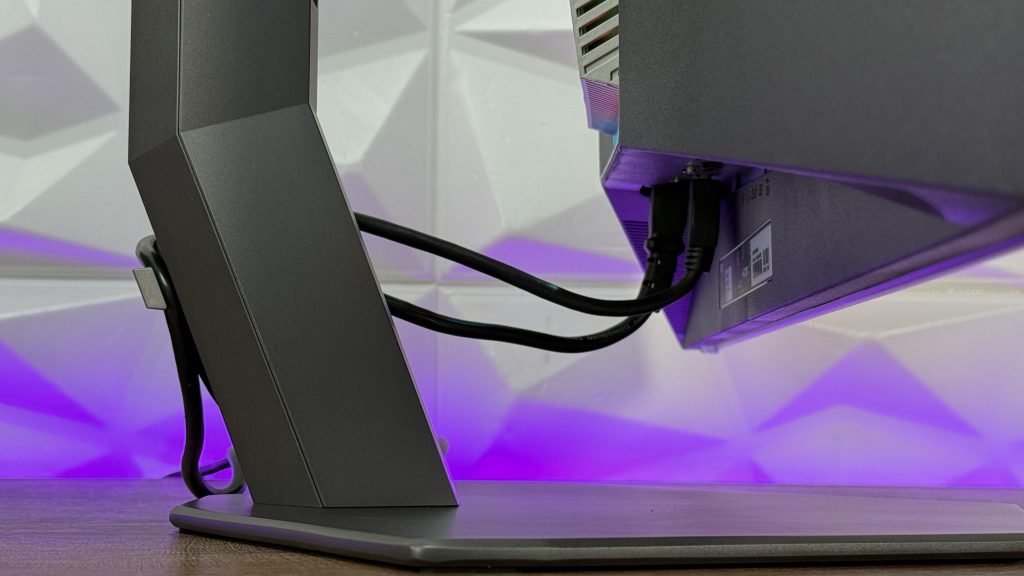
There is another feature, or so to say, because each time it is strange the companies don’t care that much for cable management. There is a clip which is already attached to the monitor stand at the back to hold the cables. Let me clarify this, not to organise them and hide them, but just to hold them so they don’t dangle freely beneath the monitor. In one sense, that is ok, but for those who are looking for an immaculate design which includes cable organisation, this is nowhere of satisfactory.


Ergonomically speaking, this monitor has it all. From the possibility to adjust every angle of the screen there is ot the point that you can VESA mount it on a wall or table mount.
Gaming Features
Apart from being boasted with 165Hz on UHD resolution and having 0.03ms (GtG) there are some presets in the G-Menu that can help with automatic picture and color adjustment. Those are:
- RTS
- FPS
- Racing
- Gamer 1
- Gamer 2
- Off (which is default setting)
Supported gaming style are:
- shooters, MMORPG, Action, eSports, RTS, FPS (eSports), Beat’m up, RacingGame mode
Additionally, G-Menu is packed also with features such as Low Input Lag, Game Color, Shadow Control, Crosshair, Dial Point, Frame Counter, and it is good for console gaming with these compatibilities:
- 3840×2160@120Hz
PS5 Compatibility:
- 3840×2160@120Hz
XBOX X Compatibility:
- 3840×2160@120Hz
XBOX S Compatibility:
- 2560×1440@120Hz
Connectivity
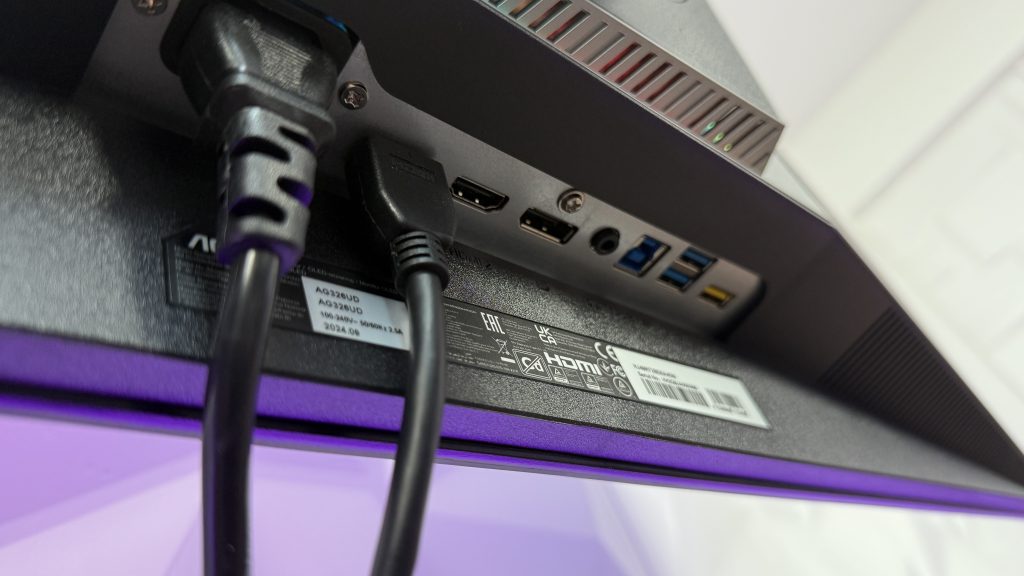
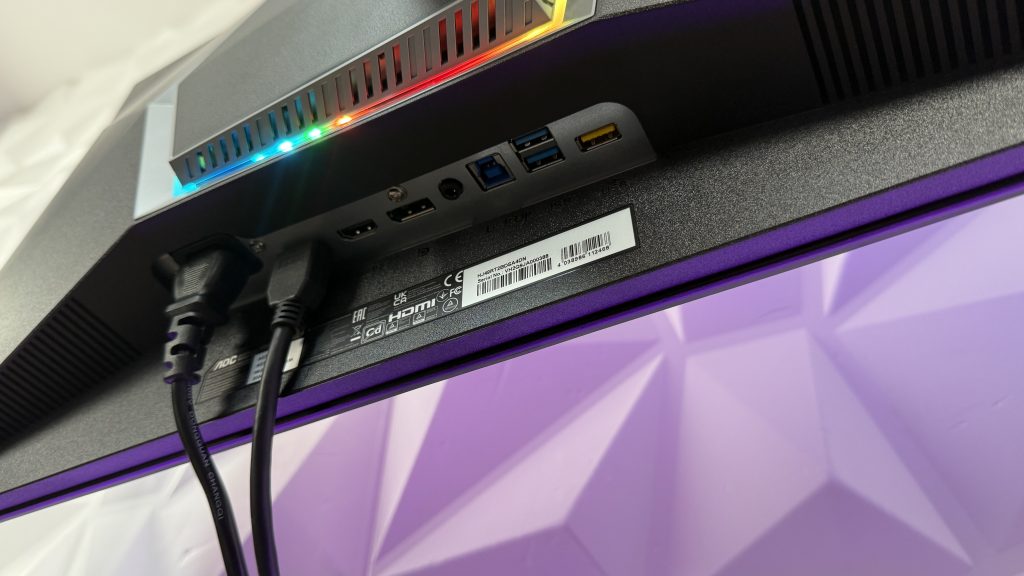
Versatile, yet missing some things which would make this monitor usage viable in gaming segment, but also with an outstanding work environment usage. It is missing any type of USB Type-C connectivity, which is a missed change for not having a Type-C PD charging port and as mentioned for the work environment, this would be outstanding. But on the other hand, for gaming, it might be irrelevant.
In those terms, we have these connections:
- HDMI 2.1 x 2
- DisplayPort 1.4 x 1
- USB Hub – USB 3.2 (Gen 1) (3 USB downstream ports) 5Gbit – USB fast charge port
- Audio Output: Headphone out (3.5mm)
- USB Hub Up Stream: 1x USB3.2 Type B Gen 1, 5 Gbit/s
Box Content
Separated from everything inside the box, we have an accessory box unlike other monitors that just have cables tossed inside the packing with the monitor. Separated, but still not in the individual box, which is good.
Box content:
- 1x HDMI cable
- 1xDP cable
- 1xUSB-B upstream cable
- 1.8Power Cable
Colors and Gaming
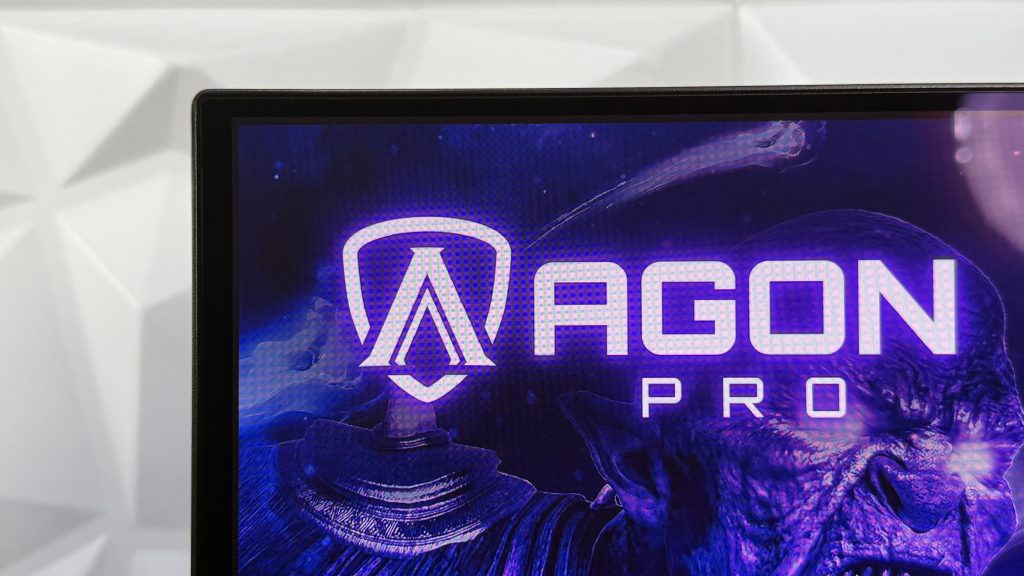
Right out of the box, this AGON PRO AG326UD is set to work/play. There is no need for adjusting the colors, brightness or anything in that segment, because the screen is vivid and bright with rich colors, true blacks. The contrast is stunning and in general the screen looks incredible. Specifically, playing The Witcher III: Next Gen there was a need to check those dark areas and dungeons to see how the dark areas of the game will be reproduced on the screen and the results were amazing. Everything is nicely visible and there is no need for adjustment. As well, Spider-Man Miles Morales, incredible visuals (and I am not describing the game) with outstanding color spread and rich tones. Enjoyable to watch and game at the same time.

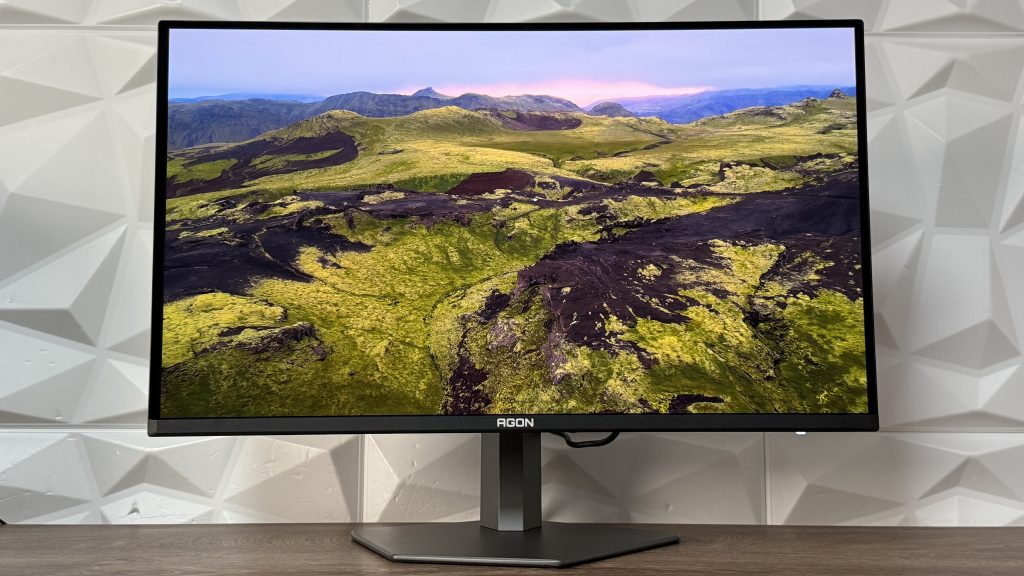
Taking everything into consideration, we have an outstanding monitor that brings out-of-the-box enjoyment without needing to thinker around the color settings or in general, any settings on the monitor. Everything is well calibrated and you can immediately enjoy the game your were wanting to play on UHD resolution with those rich tones. As something that I would like to point out, the cable management is better than usual, but still lacks better cable canals for that clean and sleek look on your setup as well not having actual thin bezels and with the stand as it is, monitor tends to be shaky if you don’t have your table properly fixated.
For more details and information, you can check my video review on my YouTube channel where you have more explanations regarding some keys points which will definitely give you more insights on the AOC AGON PRO AG326UD.
Official website: https://bit.ly/3OM46KO