Definition of “Best Buy” in this scenario doesn’t go into consideration exactly all monitors on the market, meaning 24″ to 49″, 60 – 240Hz (or more) and so on with the specifications. The description of this term is specifically based on ultra-wide 34″ QD OLED gaming monitors. And with the price tag in certain regions, it is surprising how low can the price be, but still how it can vary.
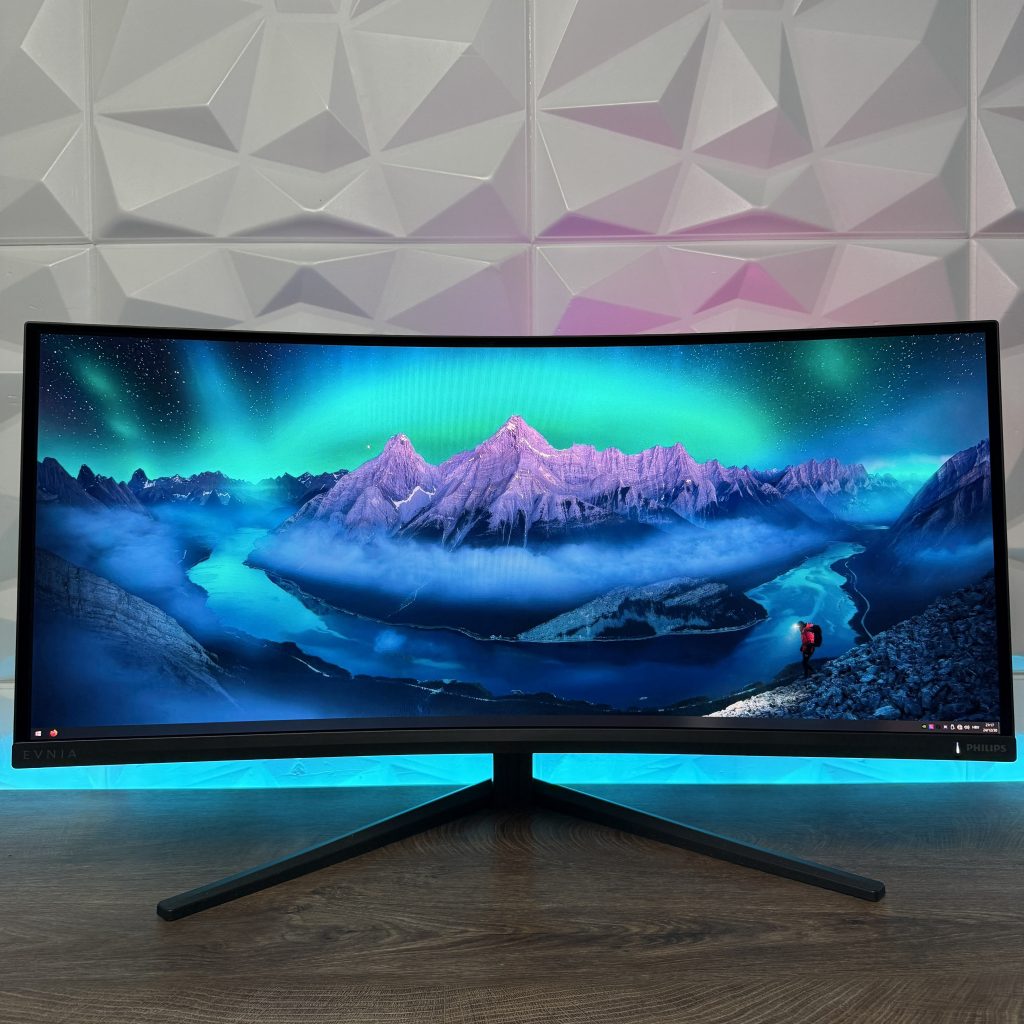
Topic for today is going to be based on the Philips Evnia 34M2C6500 Ultra-Wide 34″ QD OLED curved gaming monitor with resolution of 3440×1440 and with this model majority has an easier access to QD OLED monitors in general.
DESIGN – MINIMAL AND SIMPLE
This time we don’t have a white Evnia monitor to check out which is acceptable, since not everyone is aiming to have full white gaming setup and with this spreads the lineup with black/grey design on the monitor, main stand going with full grey design and Evnia logo at the top part of the stand, while the bottom legs are in black or dark grey with some painted textures giving it some special design very recognizable for Evnia monitors.
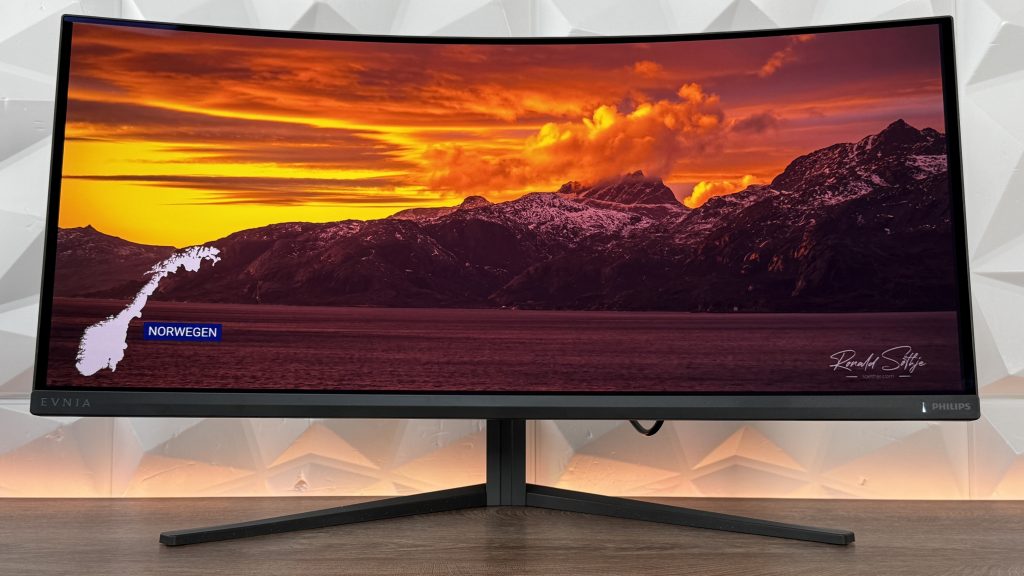


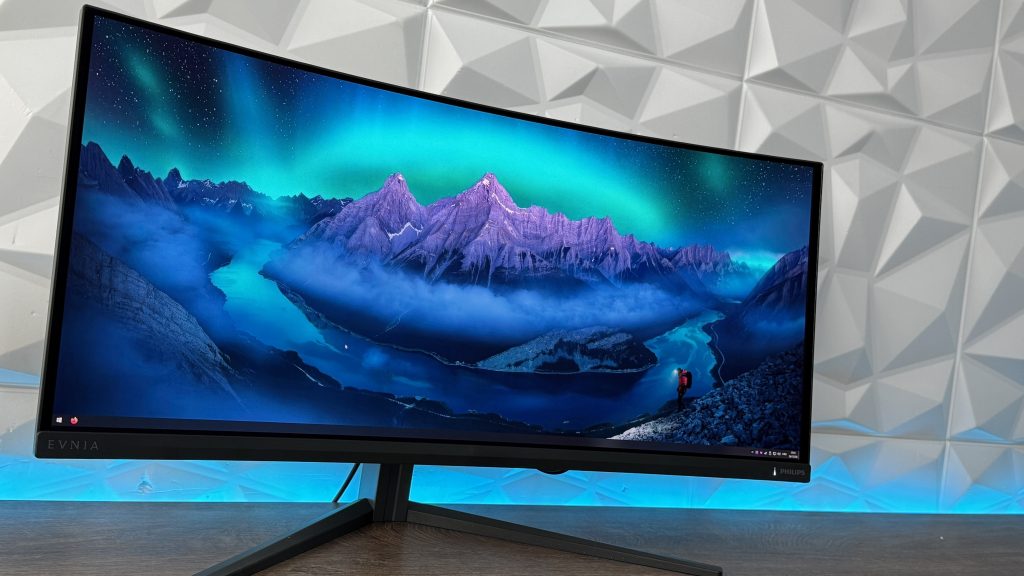
Looking at the monitor from the front side, we have three thin bezels, even though the top one compared to left and right bezels looks a bit thinner. Then the bottom plastic part has logo subtly placed. On the left side there is a Evnia logo, while on the right we have Philips logo right next to the indication light showing if it is turned on or not.


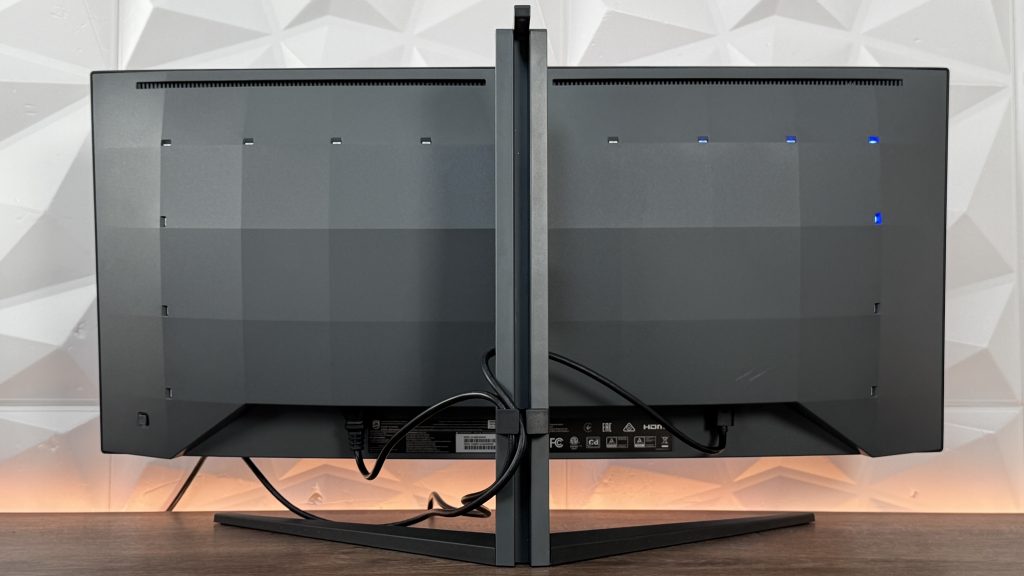
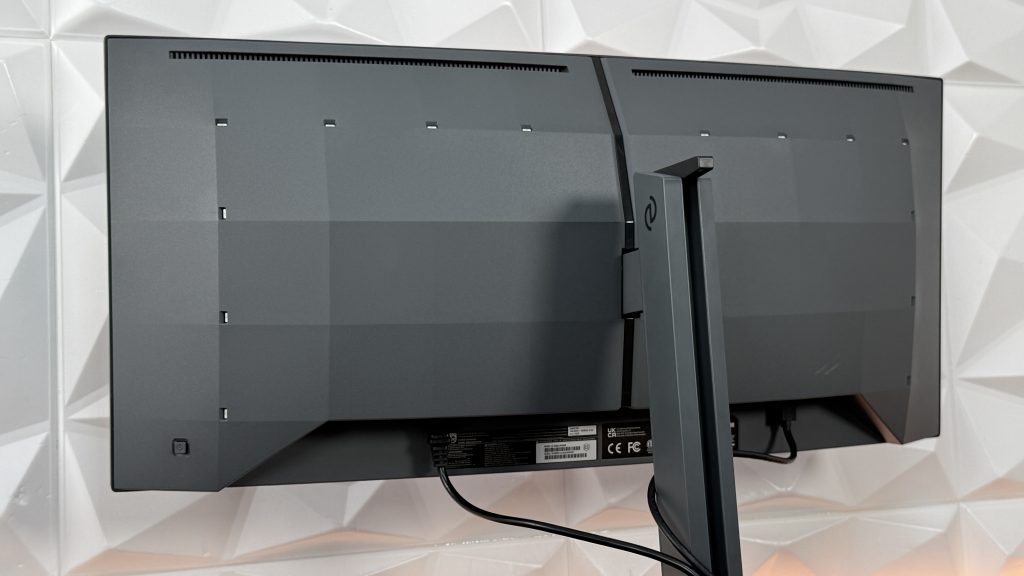
Simple front design which brings us to the back part which has 14 LEDs to slightly light up the wall at the back. Of course, it will be noticable more while the lights in room are completely turned off, but doesn’t bring that extreme immersion extending the display with lights on the wall. Still a great features for those who like gaming in complete dark room without additional lights or LED strips. Two long top ventilation exhausts, on the left side joystick to navigate through the OSD menu and the design is made out of square blocks, which still goes in the line of minimalism.
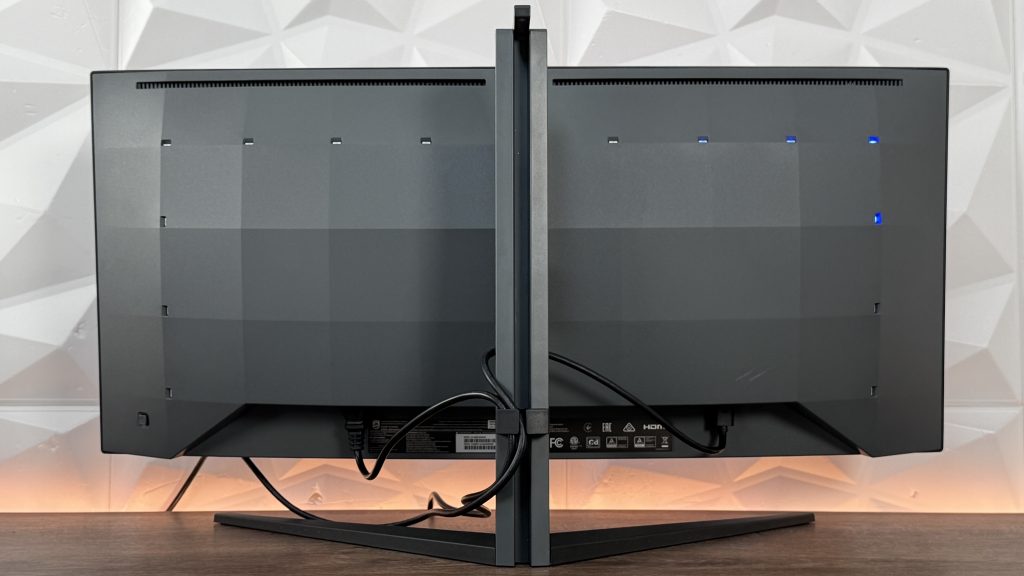
Now the stand is versatile until you try to rotate the screen which this one doesn’t support. Height adjustment is possible for 130mm, with the lowest point being at 7.5cm and the highest at 20.5cm. This might be important for those who are trying to use the maximum of the space available in their desk setup. Swivel can be adjusted from -30 to +30 degrees and tilt from -5 to +20 degrees. Even without rotation of the screen, this is quite normal.
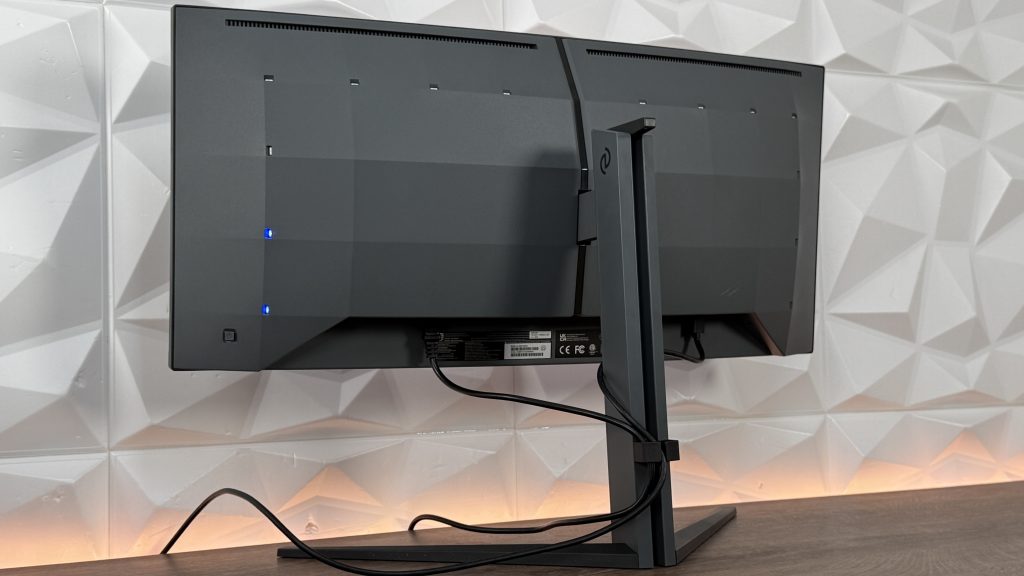
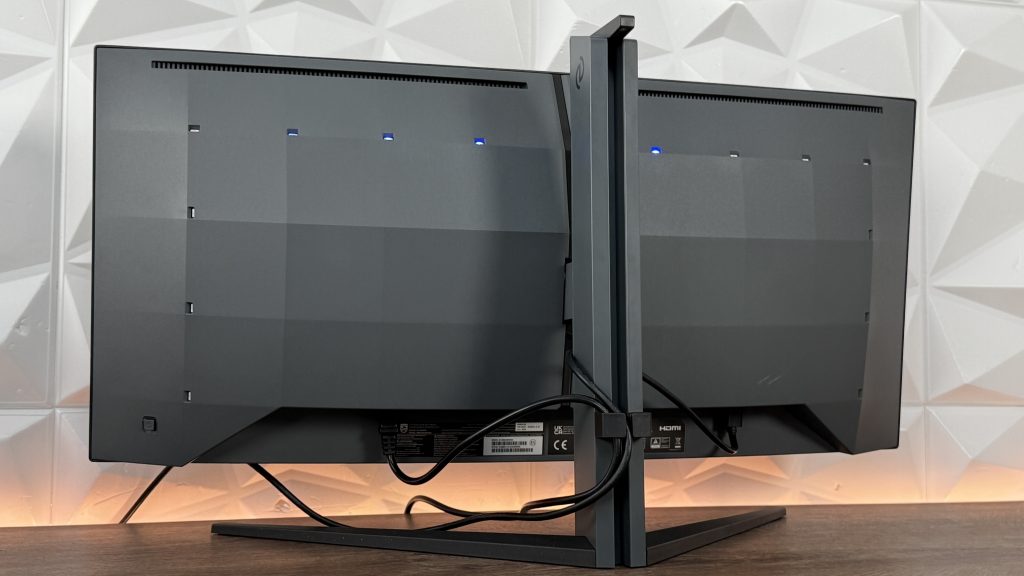
Back side of the stand has, let’s say, two additional features where one is lacking a bit better usage. Of course we are touching base on the cable management which still needs to improve. Even though it is designed better, you will still have visible cables beneath the screen at the highest point which for such minimalistic design of the monitor, that should not be acceptable. Yet, as mentioned, better than earlier. The second function is either accidental or clever headset stand. Mentioning prior to this, the need for exact measures for crucial space, Philips with their Evnia 34M2C6500 model didn’t extend the size of the screen with the headset stand being pulled out from the sides or at the back. But the top part of the main stand is tad longer giving us possibility to place and store your headset when not needed.


DETAILED TECHNICAL SPECIFICATIONS
Already mentioned couple of important detailes regarding technical specifications, but we have much more to go through giving additional value for this model.
- Picture/Display:
- Panel Size: 34 inch/86.36 cm
- Aspect Ratio: 21:9
- Monitor Panel Type: QD OLED
- Pixel Pitch: 0.2315 x 0.2315 mm
- Brightness: SDR: 250 (APL 100%) nits, HDR: 450 (APL 10%) nits, HDR E/P: 1000 (APL 3%) nit
- Display Colors: Color support 1.07 billion colors (10 bit)
- Color Gamut (typical): sRGB 148.8%, Adobe RGB 97.8%
- Color Gamut (min.): DCI-P3: 99.3%
- Contrast Ratio (typical): 1,000,000:1
- SmartContrast: Mega Infinity DCR
- Response Time (typical): 0.03 ms (Grey to Grey)
- Viewing Angle:
- 178º (H)/178º (V)
- @ C/R > 10000
- Picture Enhancement: SmartImage game
- Maximum Resolution:
- HDMI: 3440 x 1440 @ 100Hz
- DP: 3440 x 1440 @ 175Hz
- Effective Viewing Area: 800.1 (H) x 337.1 (V) – at a 1800R curvature
- Scanning Frequency:
- HDMI: 30k – 160 kHz (H)/48 – 100 Hz (V)
- DP: 30k – 275 kHz (H)/48 – 175 Hz (V)
- sRGB: Yes
- Delta E: <2 (sRGB)
- Flicker-Free: Yes
- LowBlue Mode: Yes
- Display Screen Coating: Anti-reflection, 2H
- Low Input Lag: Yes
- EasyRead: Yes
- Adaptive Sync: Yes
- HDR: DisplayHDR True Black 400 certified
- Ambiglow: 3 sided
- Pixel Format: RGB Q-Stripe
- Smart Crosshair: Yes
- Stark ShadowBoost: Yes
- Smart Sniper: Yes
- Shadow Boost: Yes
- MultiView:
- PBP/PIP
- 2 x devices
- Low Blue Light: Low blue light compliance
- ClearMR Tier: 9000
- Windows Dynamic Lighting: Yes
- Connectivity:
- Signal Input:
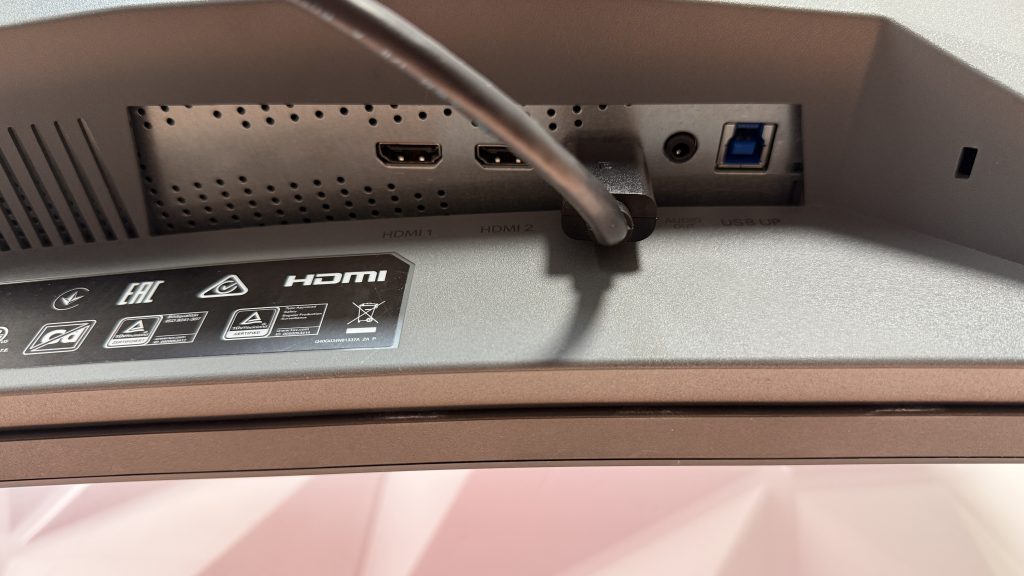
- HDMI 2.0 x 2
- DisplayPort 1.4 x 1
- Sync Input: Separate Sync
- Audio (In/Out): Headphone out
- HDCP:
- HDCP 1.4 (HDMI/DisplayPort)
- HDCP 2.2 (HDMI/DisplayPort)
- USB Hub:
- USB 3.2 Gen 1/5 Gbps
- USB-B upstream x 1
- USB-A downstream x 2 (with 1 for fast charge)
- Signal Input:
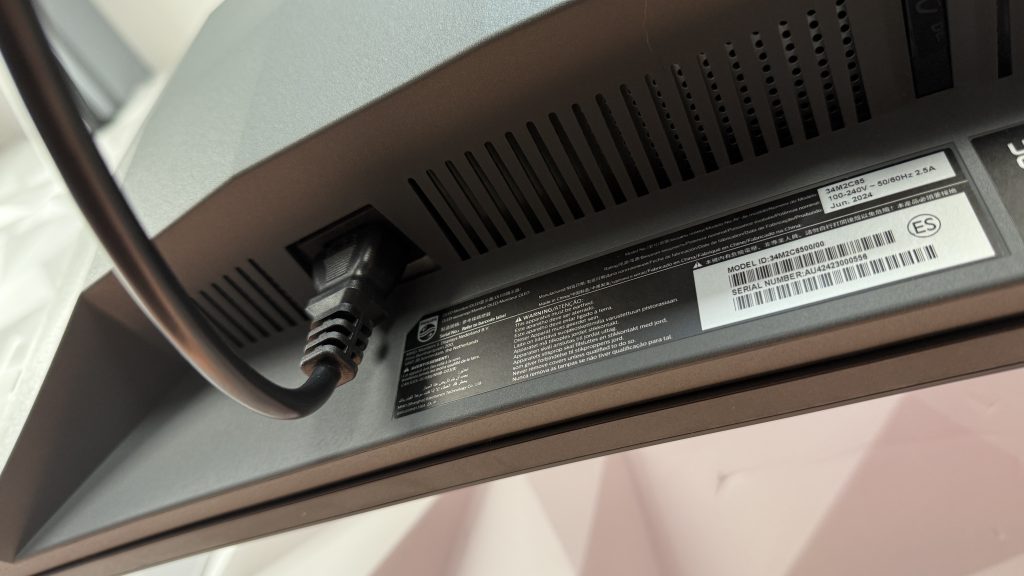
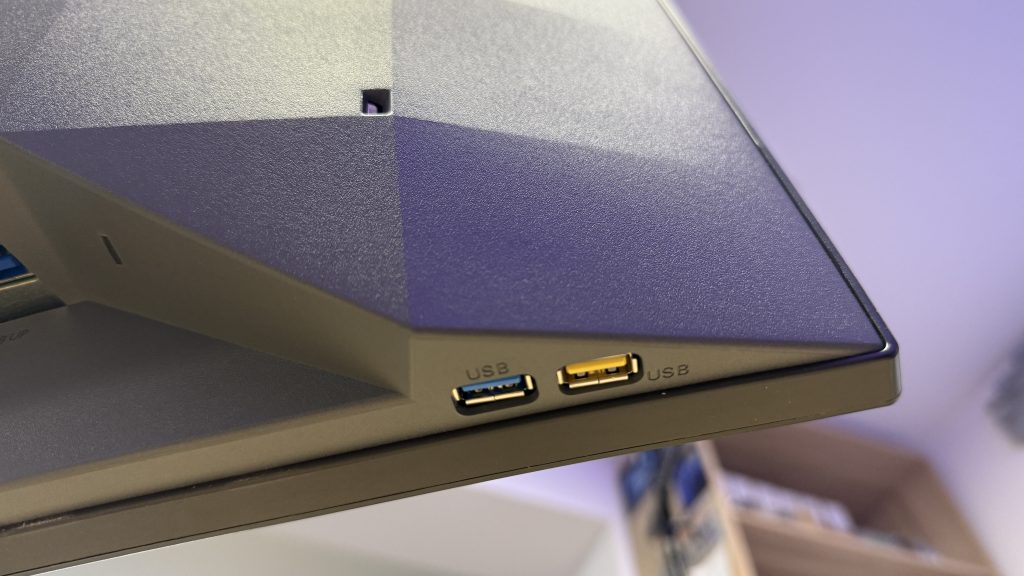
- Power:
- Power Supply
- Internal
- 100–240 VAC, 50–60Hz
- Off Mode: 0.3 W (typ.)
- On Mode: 98.9 W (typ.)
- Standby Mode: 0.5 W (typ.)
- Power LED Indicator:
- Operation – White
- Standby mode – White (flashing)
- Power Supply
- What’s in the box?
- Cables HDMI cable
- DisplayPort cable
- USB upstream cable
- Power cable
- Vesa bracket
PICTURE AND EXPERIENCE
With DisplayHDR True Black 400, we get really accurate shadow details in terms of those dark games, like Witcher III dungeons or night part of the game, like any other adventures or anything similar to that. This is visible on my video review and you can check that at the end of this article. Talking about HDR, we have some modes with are optimised for different scenarios, like HDR Game, HDR Movie, HDR Photo and VESA DisplayHDR-certified level.
The QD OLED paired up with quantum dot technology delivers outstanding accuracy of colors right out of the box, so in those terms there is no need for any additional adjustment. This panel type guarantees high contrast, deep blacks and standard viewing angles, but also higher peek brightness and rich and vibrant colors. There is also another reason for these outstanding colors and that is the Ultra Wide-Color Technology for a wider color gamut which produces natural-looking greens, deeper blues and vivid reds. Basically, enjoying the full spectrum of colors to the maximum and still no need for adjustment. As mentioned, right out of the box ready for game, movie time, or anything that you need this monitor to do in the rich color segment.


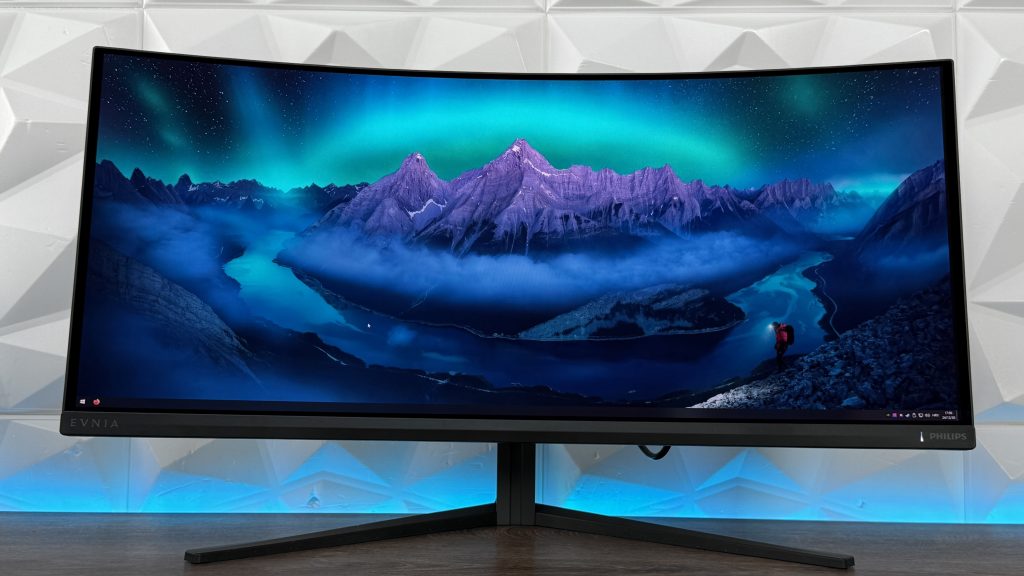
In the review video, you can see all of that as an example going more deeper in the color gamut with Spider-Man: Miles Morales and even Hogwarts Legacy, but then also the deeper blacks in The Witcher III: Next Gen. Explains a lot why the enjoyment in gaming on this ultra-wide QD OLED is placed as a priority.
EASY DISPLAY ADJUSTMENT – PRESETS
Evnia 34M2C6500 is packed with loads of presets inside the OSD menu, which is also worth mentioning. Now the OSD menu is easy accessible with the joystick located at the lower right back side of the monitor, and navigation is straight forward.
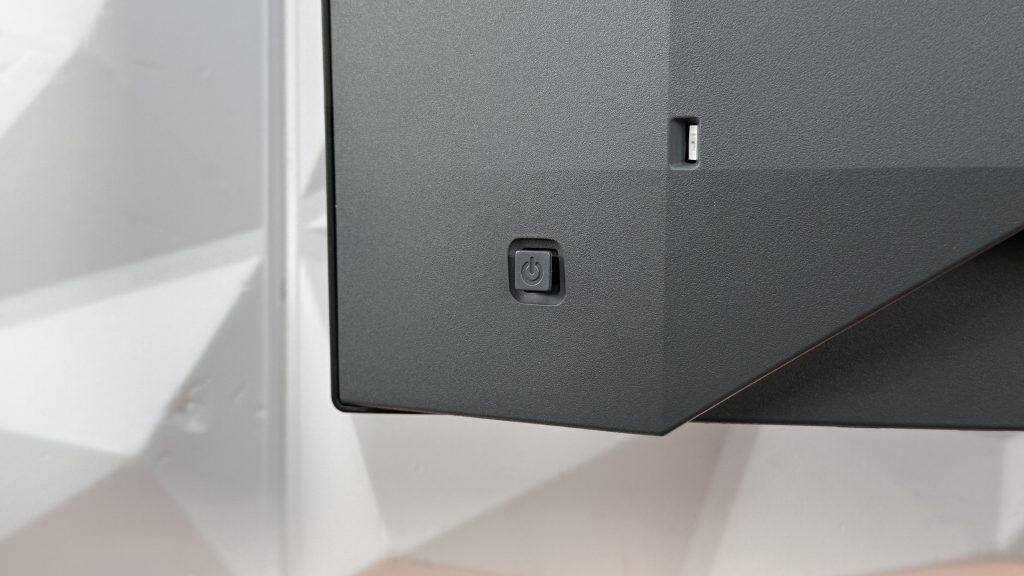
SmartImage tab gives us an option to choose from one of many presets to adjust the screen to your liking or usage in certain work/game scenarios:
- Console Mode
- Standard
- Illustrator
- FPS
- Racing
- RTS
- Movie
- LowBlue Mode
- EasyRead
- Economy
- Game1
- Game2
With all these, there is not a single scenario that isn’t covered, giving your eyes a perfect adjustment for the segment of usage. And apart from the other monitors that aren’t on QD OLED panel type, you are actually noticing the difference in the screen adjustment and color space instantly while switching through those.


WHY?
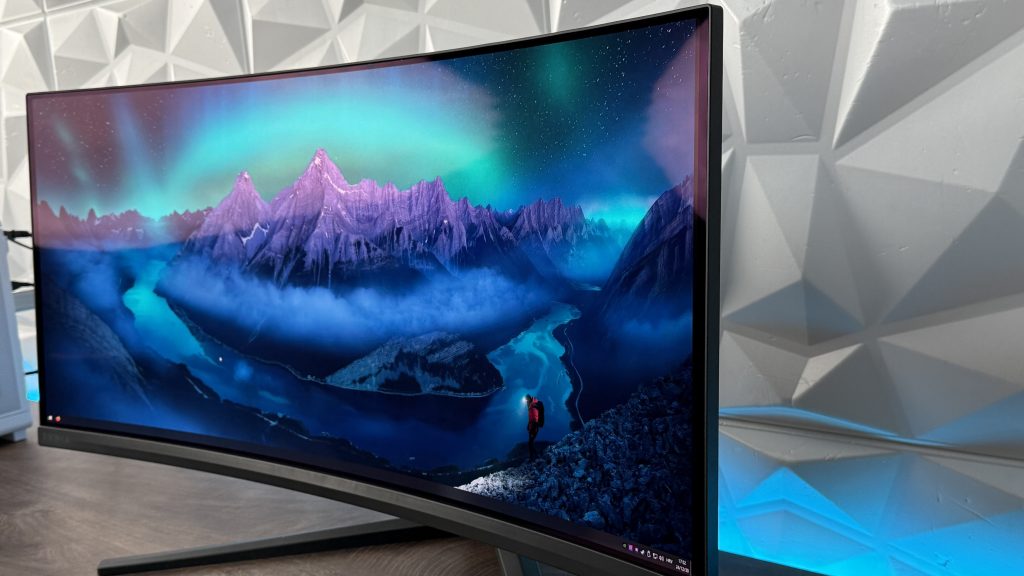
Becuase… We are having QD OLED panel type for oustanding visual aspect and color space giving you the maximum enjoyment of the visuals with rich and vibrant colors. 34″ screen curved at a 1800R curvature which for some would/could be really appealing and then we have 175Hz refresh rate which is unfortunately only functional with DisplayPort cable since HDMI works only at 100Hz, but also with 0.03ms response time (GtG).
Monitor is ready to use, basically plug’n’play right out of the box, without any need of adjusting the colors, brightness or screen in general. But for those who actually want and need, there are bunch of presets that will easen up the process.
Minimalistic design is really appealing and with VESA mount and brakcet at 100×100 size, you can get read of those nasty cables for good since you would be re-routing the cables a bit differently. This will keep the monitor in the clean and minimalistic sense but also you can adjust the cables firmly if you don’t intend to move it up or down. That is something that definitely needs to be fixed in the future models and use that throughout entire lineup. Since we do have PiP and PbP, it would be definitely appreciated if the Evnia 34M2C6500 had an additional Type C connection with PD charging of someone desires to connect and additional Windows laptop or MacBook. That would be incredibly handy for less cable clutter on the desk or in general work space. Would that raise the price… Most likely it would but not that drastically that would change the fact of this monitor being the best buy. Either way, you can connect two devices to use that picture function and for multifunctional usage.
More details including picture quality and visibility is available in my dedicated YouTube review here:
More details can be found here as well: https://philips.to/41Z8sWT